Clean, calming Sudoku in your pocket.
A fast, beautiful Sudoku game for Android and iPhone. Take on a new daily challenge, scribble smart pencil notes, or snap a puzzle from your newspaper and play it on your phone.
Solved! 🎉
Nicely done. The real app has endless puzzles waiting.
Everything you want in a Sudoku app. Nothing you don’t.
No sign-up, no clutter, no waiting for a connection. Just the puzzle.
A new puzzle every day
The Daily Challenge is the same for every player. Solve it to build a streak and come back tomorrow to keep it alive. Difficulty rises through the week and peaks on Saturday.
Scan from paper
Photograph a Sudoku from a newspaper or book, check the digits it reads, and play. Reading happens on your device.
Four levels
Easy, Medium, Hard and Expert. Every puzzle is freshly generated with exactly one solution.
Smart notes
Pencil marks clear themselves as you place correct digits in the same row, column or box.
Share a code
Send any puzzle to a friend as a short code, and let them play the exact same grid.
Made for every eye
Light, dark or system theme. Three board palettes including a color-blind friendly one. Adjustable digit size. Mistakes are red and underlined, so it never relies on color alone.
Offline and private
No account. Your games, settings and streak stay on your device, and photos used for scanning are never uploaded. Your game saves automatically and picks up where you left off.
Designed to feel calm.
Big, readable digits, gentle colors and smooth animations, including a ripple when you complete a row, column or box.
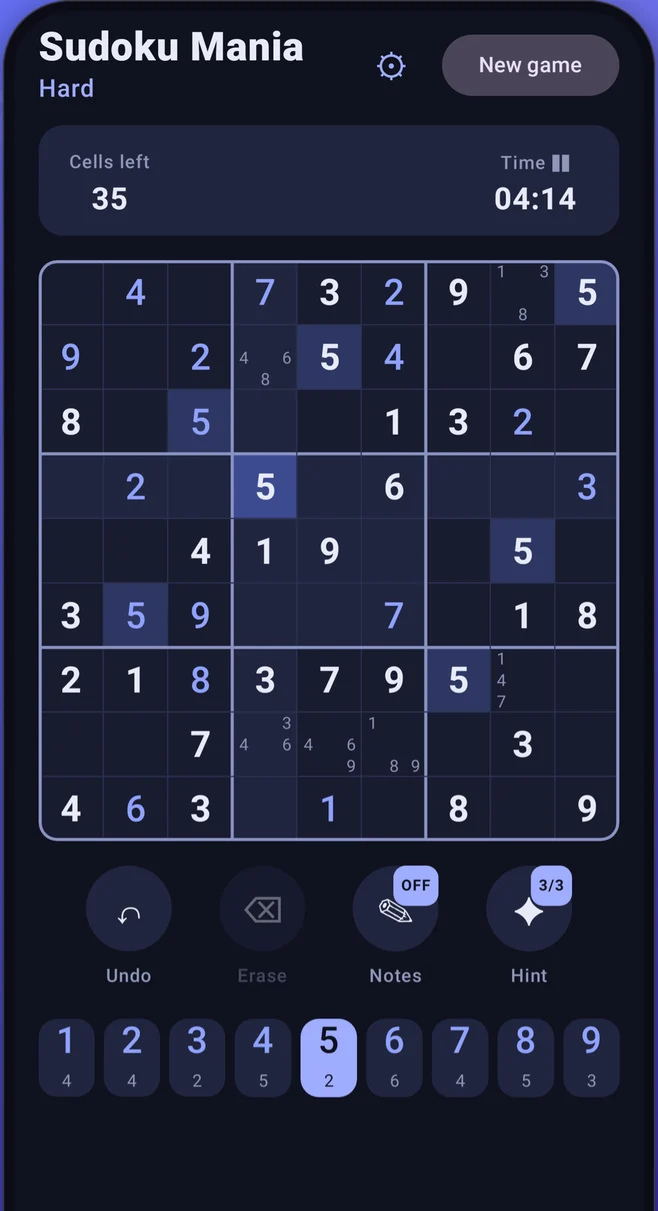
Play
Notes, undo, erase and up to three hints per game, with remaining digit counts on the pad.
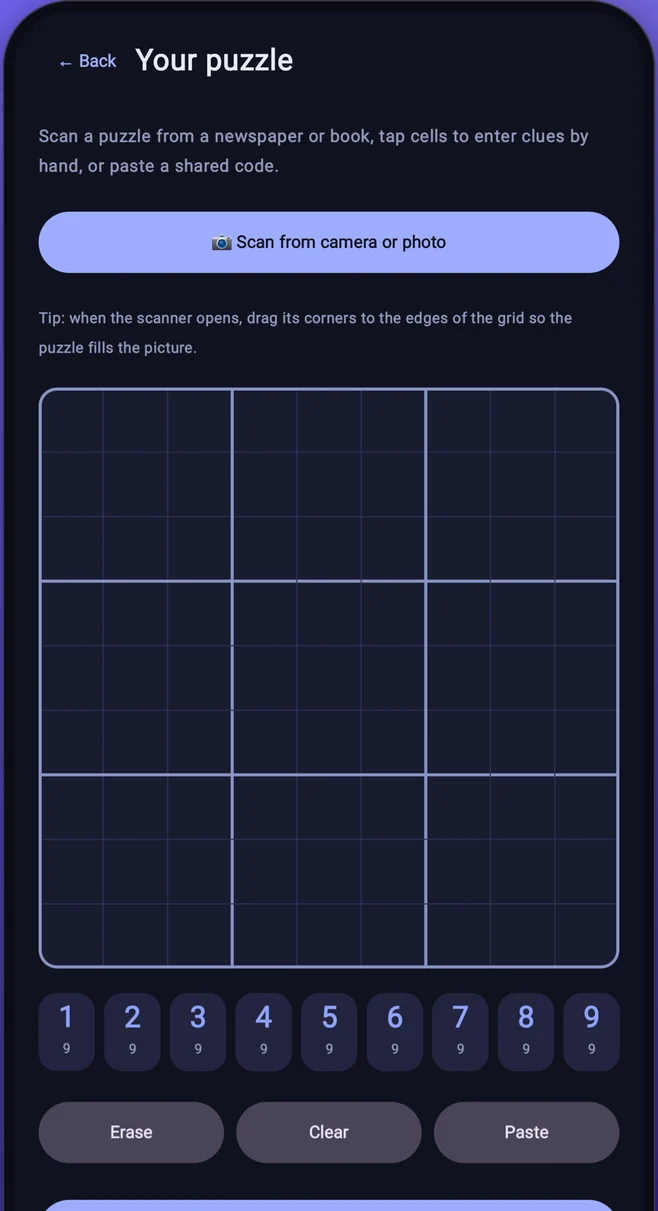
Bring your own
Scan, type in or paste a puzzle. The app checks it has a single solution before you start.
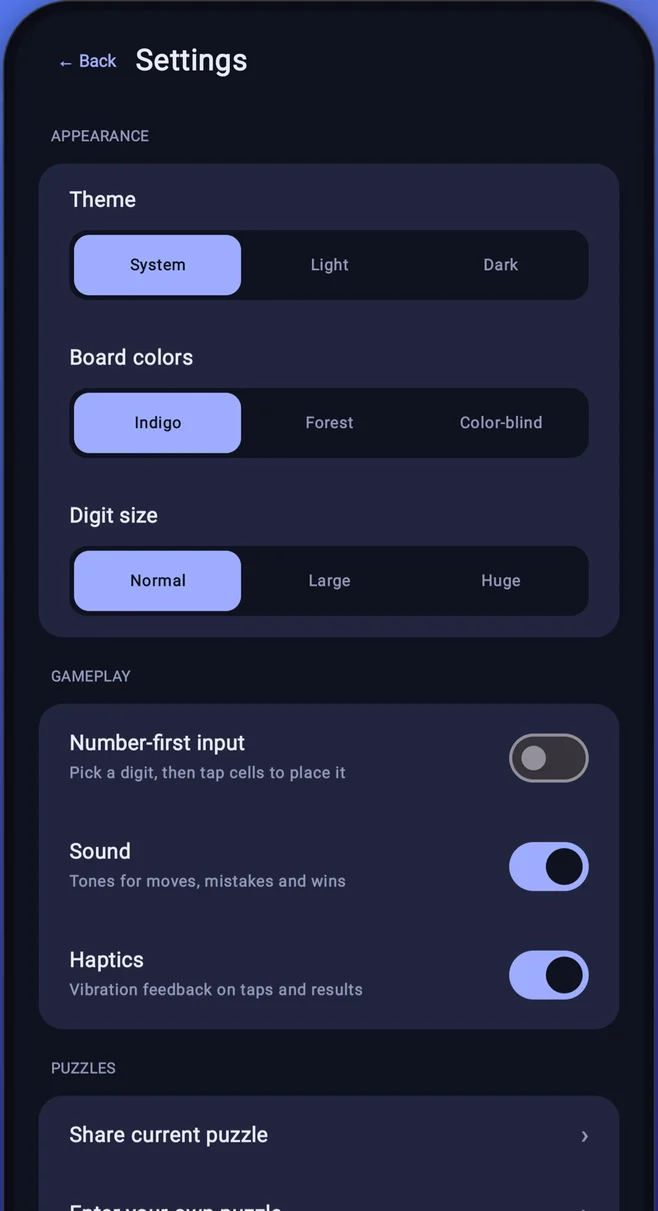
Make it yours
Theme, board colors, digit size, number-first input, sound and haptics.
Three palettes. One for every player.
Switch any time in Settings, in light or dark.
Indigo
The signature look. Soft blues on deep navy.
Forest
Fresh greens for a gentler, natural feel.
Color-blind friendly
Blue and orange, chosen to stay distinct across common forms of color blindness.
Small things, done well.
Good to know
Is Sudoku Mania free?
Yes. A small banner and an occasional ad between puzzles keep it free, and ads never appear in the middle of a game. A one-time purchase removes ads for good and unlocks unlimited hints.
Does it work offline?
Yes. Puzzles are generated on your device, so you can play anywhere with no connection and no account.
How does scanning work?
Open “Your puzzle”, choose “Scan from camera or photo”, and drag the scanner corners to the edges of the grid. The digits are read on your device, you correct anything it got wrong, and the app confirms the puzzle has exactly one solution. On Android, scanning needs a device with Google Play services.
What happens to my data?
Your games, settings and records stay on your device. Photos used for scanning are processed on-device and are not uploaded. Read the full privacy policy for Android or iOS.
Which devices are supported?
Android 7.0 and up, on phones and tablets. The iPhone and iPad version needs iOS 18 or later.
Do hints affect my records?
You get up to three hints per game. Wins that used hints, and custom puzzles, don’t count towards best times.
Ready for your next puzzle?
Free on Android, and coming soon to iPhone. Pick a level, start the clock, and enjoy the quiet.
Get it on Google PlayiPhone and iPad version: coming soon to the App Store.